Overview
Forty-five years ago, a single programmer at Seattle Computer Products wrote a quick-and-dirty operating system for Intel's new 8086 chip. That OS—originally called QDOS (Quick and Dirty Operating System)—was bought by Microsoft for under $100,000, rebranded as 86-DOS, then shipped as PC DOS 1.0 in August 1981. Microsoft kept the rights to sell the same OS to other manufacturers under the name MS-DOS, which propelled the company to dominate personal computing for two decades.
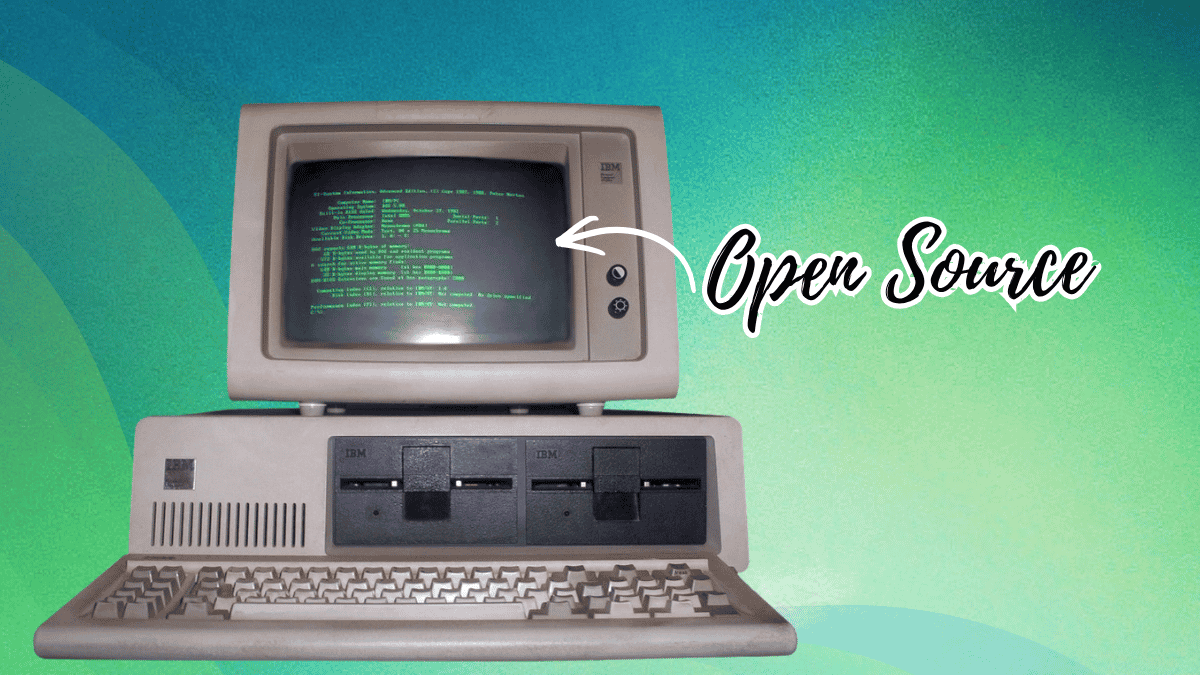
Today, that historic code is freely available. On April 28, 2025—the 45th anniversary of 86-DOS 1.00—Microsoft published the earliest known DOS source code on GitHub under the MIT license. This tutorial will guide you through obtaining, understanding, and even compiling the 86-DOS 1.00 kernel and related utilities, using the original assembler and tools. Whether you're a retro-computing enthusiast, a low-level systems programmer, or just curious about computing history, this guide will get you hands-on with the code that launched a revolution.
Prerequisites
Before diving in, make sure you have the following:
- A basic understanding of assembly language (specifically Intel 8086 assembly) and operating system concepts.
- A working environment that can run 16-bit x86 code. An emulator like DOSBox or a vintage PC (real or virtual) will work.
- A copy of the Seattle Computer Products ASM assembler. This assembler was used by Tim Paterson to write the OS. You can extract it from any 86-DOS or early MS-DOS release (1.0 through 2.0). The GitHub repository's README provides a link to a pre-packaged version.
- Python 3.6 or later (to run the transcription and build scripts provided in the repository).
- Git command-line client or a GitHub account to clone the repository.
Step-by-Step Instructions
1. Obtain the Source Code
Clone the official Microsoft GitHub repository:
git clone https://github.com/microsoft/MS-DOS.git
Or download the ZIP archive from the repository page. The code resides in the v1.0 directory (for 86-DOS 1.00) and the v1.0/snapshots folder for development snapshots of PC-DOS 1.00.
2. Set Up Your Build Environment
The source code is not a tidy archive of digital files. Instead, it was reconstructed from physical assembler printouts and continuous-feed paper dating from 1981. Historians Yufeng Gao and Rich Cini scanned, transcribed, and reconstructed the compilable code. To build it, you need:
- An emulator or real machine running MS-DOS 1.x or 2.x (or DOSBox configured for early DOS).
- The ASM assembler from Seattle Computer Products. Extract
ASM.EXEfrom an 86-DOS disk image (e.g., from the repository'stoolsdirectory or a separate download). Place it in a directory accessible from your DOS environment. - A working copy of the 86-DOS 1.00 kernel source. The repository includes the necessary files:
DOS.ASM,MSDOS.ASM,IO.ASM, and several.INCfiles.
Detailed build steps are in the README.md within the repository. They involve running a Python script that generates a final DOS.SYS file from the assembled object code. Follow them carefully.
3. Compile the Kernel
Within your DOS emulator, navigate to the directory containing the source code and the ASM assembler. Run:
ASM DOS.ASM
This will produce an object file (typically DOS.OBJ). Then link it using the linker provided (or use LINK.EXE from a DOS 2.x package). The final result should be DOS.SYS—the kernel binary.
If you encounter errors, double-check that your assembler version matches the one Paterson used (official releases of ASM from Seattle Computer Products). The repository includes a pre-built DOS.SYS for reference.
4. Build the Utilities
In addition to the kernel, the repository contains source for several utilities: CHKDSK.ASM, FORMAT.ASM, MODE.ASM, and others. Compile each with the same ASM assembler. For example:
ASM CHKDSK.ASM
LINK CHKDSK.OBJ
The result will be CHKDSK.EXE.
5. Test Your Build
Copy the newly built DOS.SYS and utility binaries to a bootable floppy disk image (or use a DOS emulator that can load a custom kernel). Boot the system—it should start up as 86-DOS 1.00, displaying a prompt. Run CHKDSK to verify the utilities work. If you have a real vintage PC, you can write the image to a floppy and boot from it. Expect a minimal command-line environment—no directories, no hard drive support—just raw disk access and basic file management.

6. Explore the Code
Read through the assembly source to understand how Paterson implemented CP/M API compatibility, memory management, and the file system. Key files:
DOS.ASM: Contains the core system calls and kernel routines.MSDOS.ASM: The main entry point and initialization.IO.ASM: Low-level I/O routines for the 8086 hardware.DEVICE.ASM: Device driver infrastructure (e.g., for console and printer).
Annotations in the code from the historians clarify obscure sections and point out differences from the shipped PC-DOS 1.0.
7. (Optional) Compare with Later Versions
The repository also includes snapshots from PC-DOS 1.00 development. Compare the 86-DOS 1.00 kernel with these to see what changed before IBM's release. You'll find additions like support for the IBM PC's 8250 UART and the 8259 interrupt controller. This is a valuable lesson in how operating systems evolve under hardware constraints.
Common Mistakes
- Using the wrong assembler. The ASM assembler from Seattle Computer Products is very specific. Generic MASM or TASM will not produce correct code. Download the exact version from the repository's linked tools.
- Ignoring line endings. The source files were transcribed from printouts; line endings may be a mix of CR+LF or CR only. If you encounter assembly errors, check that your text editor hasn't changed them. Use
unix2dosor the Python script provided in the repo to normalize. - Missing include files. The kernel source uses several
.INCfiles (e.g.,EQU.INC,MACROS.INC). Make sure they are in the same directory as the main.ASMfiles. - Attempting to run on modern hardware. This is real-mode 16-bit code. It will not run under a 64-bit OS without an emulator. DOSBox is the simplest option, but configure it for a 8086 CPU (no 386+ features).
- Forgetting to specify the correct segment. The linker script expects a specific memory layout. If you manually set linker options, stick to the defaults from the repository's build script.
Summary
This tutorial walked you through obtaining and compiling the earliest known DOS source code—86-DOS 1.00, the direct ancestor of MS-DOS. You set up an emulation environment, assembled the kernel and utilities with the original Seattle Computer Products ASM assembler, and booted your own copy of a 45-year-old operating system. Along the way, you explored the assembly code that gave Microsoft its foothold in personal computing. The repository is a goldmine for retro-computing enthusiasts and students of low-level systems. Dive in, tweak, and appreciate the humble beginnings of an industry giant.